Call Technician

AC Not Turning On? 5 Causes, Quick Fixes & Instant Checklist
AC not turning on? Find the exact cause fast with our diagnostic table, checklist & step-by-step fixes for power, remote, MCB & PCB issues.
TL;DR: Quick Answer
The most common cause of AC not turning on is a power supply issue, like a tripped MCB or loose plug. Try these checks first:
⚠️ Do not open the indoor unit yourself. Internal parts carry shock risk.
See the diagnostic table below to match your symptom with the likely cause.
Interactive 60-second checklist to troubleshoot an AC that will not turn on
Match Your AC Problem to the Likely Cause
| Symptom You’re Seeing | Likely Cause | Quick Fix to Try First |
|---|---|---|
| Indoor unit completely dead, no display | No power reaching unit | Check MCB and wall socket |
| No display or indicator light at all | Tripped MCB or blown PCB fuse | Reset MCB, check plug |
| Remote not responding but display is on | Weak battery or blocked sensor | Replace batteries, clean sensor |
| AC turns off suddenly, won’t restart | Blown fuse or loose neutral wire | Check MCB, call technician |
| Standby or red light on, AC won’t start | PCB partially faulty or sensor issue | Try manual switch on unit |
| Blue or compressor light never comes on | Compressor not receiving start signal | Call a technician |
| AC worked before power cut, not now | Built-in delay timer or safety lockout | Wait a few minutes, restart |
| Whole house lights dim, then AC won’t start | Compressor drawing high starting current | Call a technician |
| AC starts manually but not with remote | Fault in remote, sensor, or display PCB | Test remote with phone camera |
| Display shows error code or blinking light | Specific internal fault | Check code in AC user manual |
| Outdoor and indoor both completely dead | No input power or MCB tripped | Check MCB and stabilizer output |

AC Not Turning On? Book Expert AC Technician Visit in Kolkata Today
AC not turning on is a common problem in Indian homes, especially in summer. Cities like Kolkata, Mumbai, and Delhi see this issue often. It can be a minor fixable glitch or a sign of a bigger fault.
This article gives a quick diagnostic table to spot the cause fast. It covers safe DIY checks anyone can try at home. It also explains when to call a professional instead of opening the unit.
Common Reasons Why Your AC Is Not Turning On
Power Supply Issues or Tripped Circuit Breaker
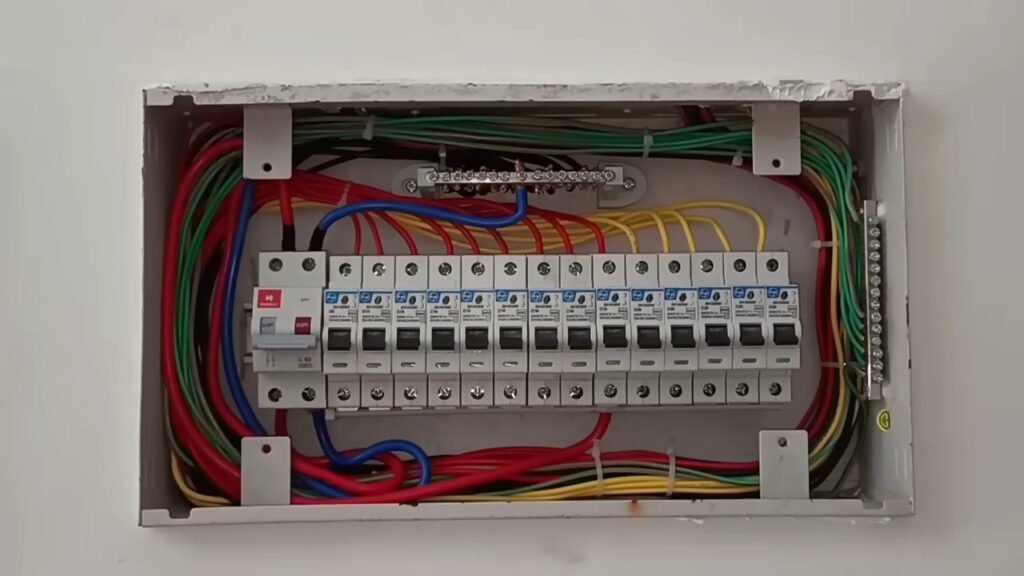
A tripped MCB, loose plug, burnt socket, or voltage fluctuation is the most common reason an AC won’t turn on. This often happens right after a power cut.
Fixes:
- Check the MCB position and reset it if tripped
- Inspect the plug and socket for loose or burnt connections
- Confirm the stabilizer is giving proper output
- Wait a few minutes before restarting, since some ACs have a built-in delay timer
Remote Control or Sensor Not Working
Sometimes the AC unit is fine, but the remote is not sending a signal. This makes the AC seem broken when it is not.
Fixes:
- Replace the remote batteries
- Clean dust from the AC’s IR sensor and the remote head
- Remove any obstruction between the remote and the unit
- Try the manual or emergency switch to check if the issue is with the remote (see Section 8)
Faulty or Weak Stabilizer
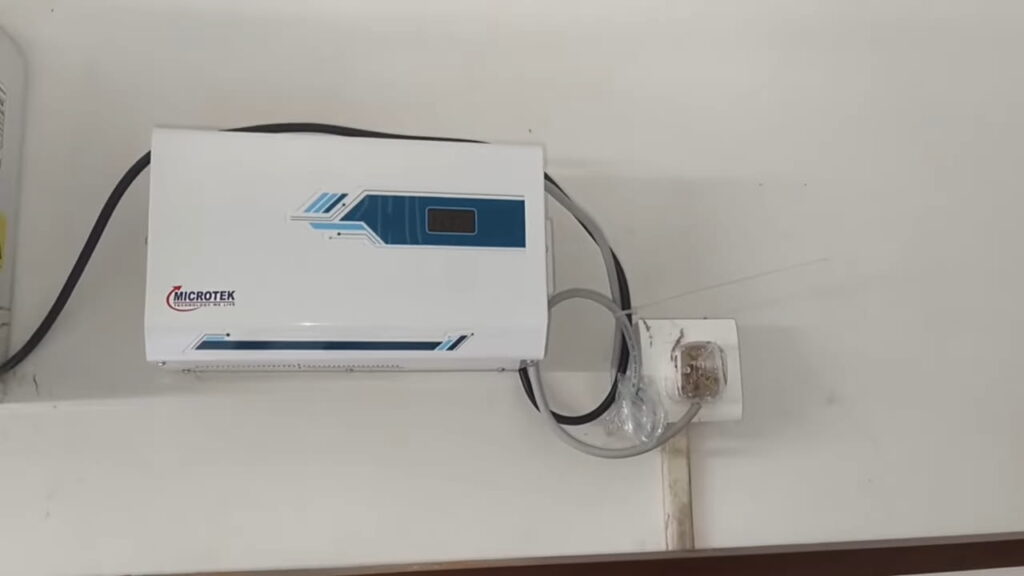
Voltage fluctuation can stop the AC from starting, even with a stabilizer connected. A weak stabilizer may show input power but give no output.
Fixes:
- Check the stabilizer display for normal output, around 220–240V
- Test another appliance on the same stabilizer
- Bypass the stabilizer temporarily only if comfortable doing so, or call a technician
- Replace or repair the stabilizer if it is faulty
Blown PCB Fuse or Internal Component Failure
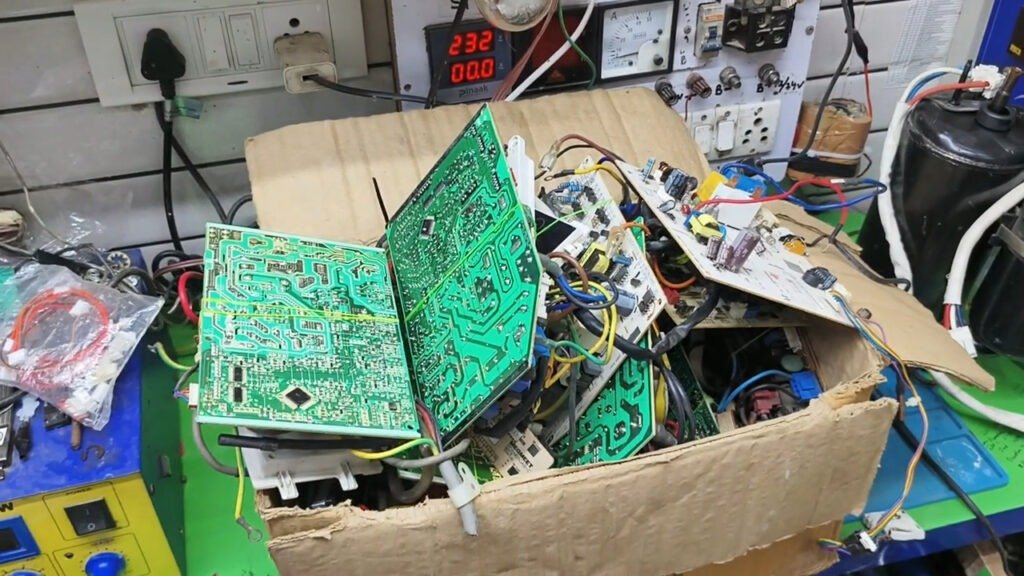
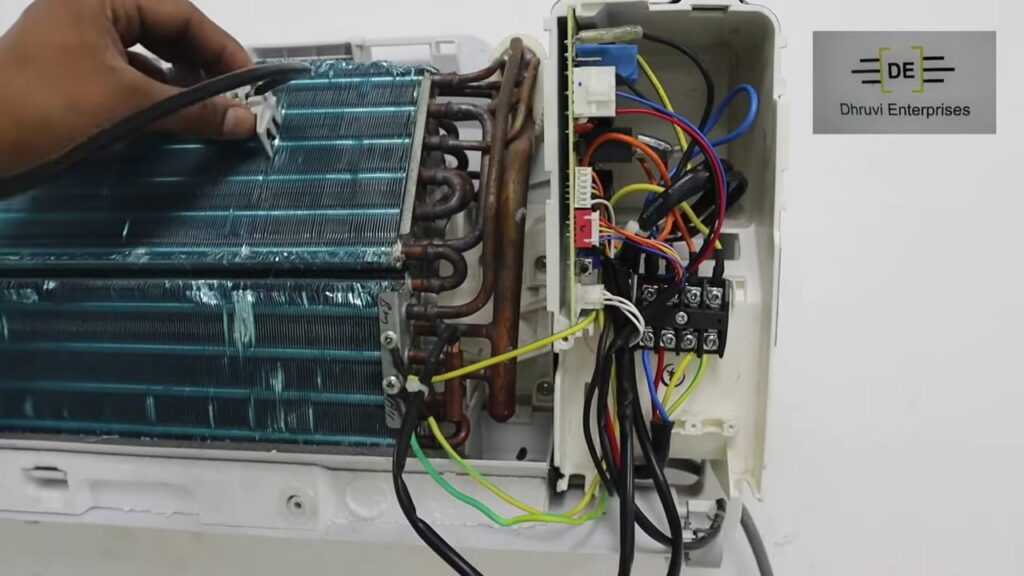
A blown PCB fuse is one of the most common internal reasons an AC will not turn on. Capacitor or PCB failure can also stop the unit from starting.
Common causes include:
This is not a DIY fix. Attempting fuse replacement without proper knowledge can be unsafe and cause further damage. Call a trained technician for this repair.
Safety Lockout, Timer, or Mode Settings
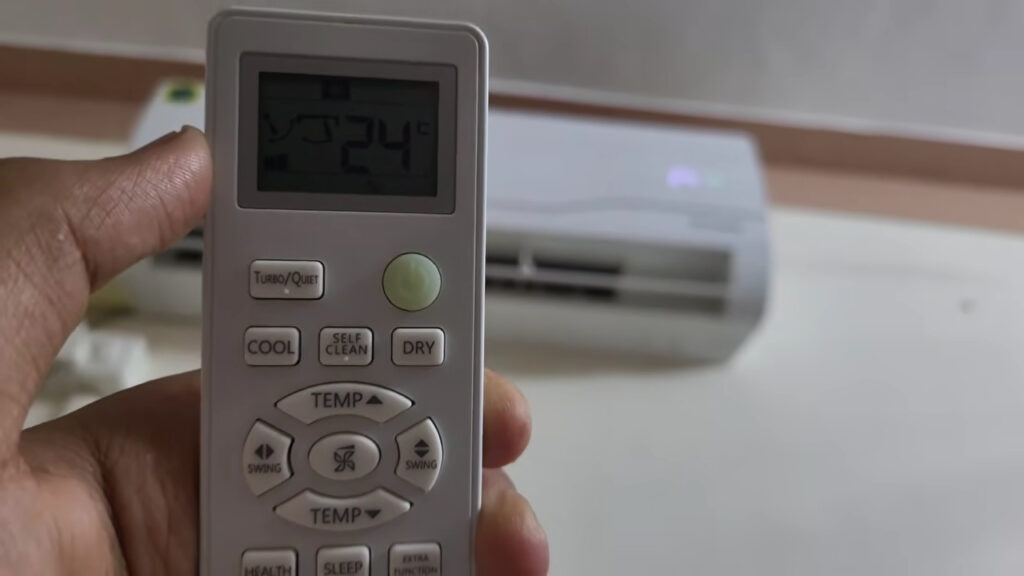
Modern ACs have built-in protection features and timers. These can confuse users into thinking the unit is broken.
Fixes:
- Check the display for error codes or timer icons
- Reset by turning off the main power, waiting a few minutes, then turning it back on
- Check the remote for an accidentally set sleep timer or delayed start
What Your AC Indicator Lights Mean?
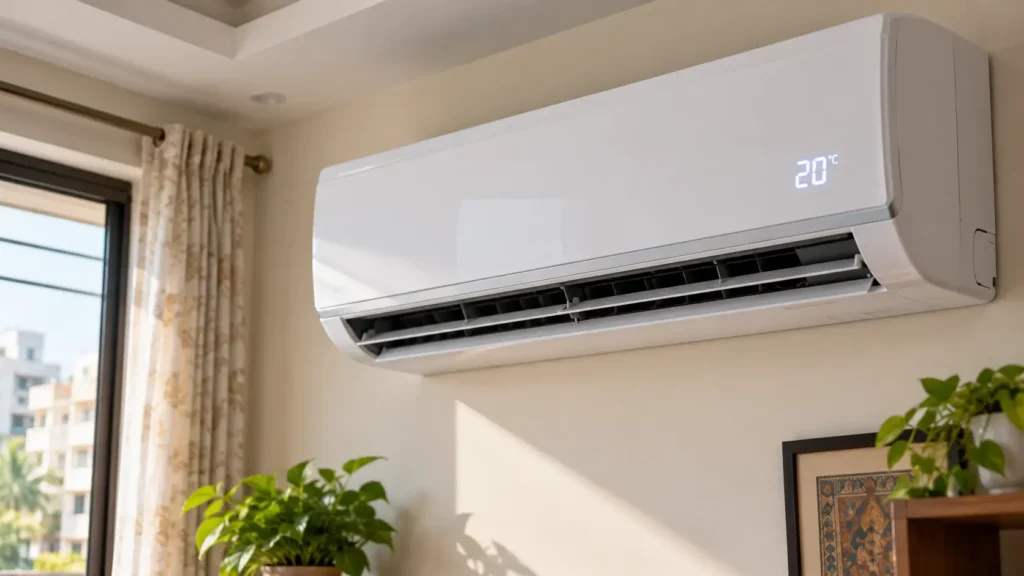
Your AC’s indicator lights offer quick clues about the problem. Check the table below before opening the unit.
| Indicator Light Status | What It Means |
|---|---|
| No indicator light at all | No power, tripped MCB, blown PCB fuse, or dead PCB |
| Red standby light on, AC won’t start | PCB partially faulty, sensor issue, or remote communication issue |
| Blue light never turns on | Compressor not receiving start signal |
| Display shows blinking or error code | Check the specific error code in your AC’s user manual |
Check If the Problem Is Your Remote or the AC
How to Check If Your Remote Is Working?
- Open your phone’s camera app. Most smartphone cameras can pick up infrared light that the human eye cannot see.
- Point the remote’s IR LED, the small bulb at the front tip, directly at the camera lens.
- Press any button on the remote while watching the camera screen closely.
- If you see a flashing white or purple light on screen, the remote is sending a signal and is working. If no flash appears, the battery may be weak or the remote’s internal circuit may be faulty.
How to Use the Emergency/Manual Switch?
- Open the indoor unit’s front panel by lifting it gently from the sides. Most split ACs have this panel hinged at the top.
- Locate the hidden manual or emergency ON-OFF button, usually placed near the display or inside a small flap on the indoor unit.
- Press this button directly to start the AC without using the remote at all.
- If the AC starts manually but does not respond to the remote, the fault lies in the remote, the IR sensor, or the display PCB. The AC unit itself is working fine.
What Not to Do When Your AC Won’t Turn On?
When to Call a Professional Technician?

Some AC issues need a trained technician, not a DIY fix. Watch for these signs:
Frequently Asked Questions
Why is my AC not turning on even though the thermostat or display is working?
The display glowing means the PCB is receiving power, but the compressor may not be. This points to a sensor issue, remote communication problem, or partially faulty PCB.
What should I check first if my outdoor AC unit is not turning on?
First check the outdoor unit’s wiring, fan motor, and any disconnect switch. A shorted outdoor fan motor or compressor short can also affect the indoor PCB fuse.
My AC was working before a power cut but won’t start now, why?
Many ACs have a built-in delay timer after a power cut. Wait a few minutes before restarting, since sudden voltage changes can also trigger a safety lockout.
Is it safe to keep resetting the MCB if my AC won’t turn on?
No. If the MCB trips again immediately after reset, it signals a real electrical fault. Repeated resetting without repair can cause further damage.
Can a dirty air filter stop my AC from turning on at all?
A dirty filter is more likely to cause other cooling issues. If the AC is completely dead with no indicator light, check power supply, MCB, and fuse first.
How do I know if the problem is the remote and not the AC unit itself?
Use the manual or emergency switch on the indoor unit. If the AC starts manually but not with the remote, the fault is in the remote, sensor, or display PCB.
To Sum Up
Most cases of AC not turning on are simple fixes. A tripped MCB, loose plug, weak remote battery, or faulty stabilizer often solves it. Some issues involve the PCB, capacitor, or compressor, which need professional attention for safety.
The checklist and indicator light table above help you diagnose the issue quickly, saving time and repair cost. If DIY steps fail, Urban Service Plaza offers professional help to get your AC running safely again.