MarQ AC Error Codes & Troubleshooting Guide (Split & Window AC)
If your MarQ split or window AC has stopped cooling and the display is flashing a code, the unit is warning you about a fault. MarQ ACs show these signals to protect internal parts like the compressor, fan motor, and sensors from damage.
Some codes point to genuine faults (marked E or EE), while others are protection codes (marked F or P) that trigger when the system senses unsafe operating conditions.
This guide covers error codes for both MarQ Split and Window AC models, based strictly on official MarQ user manuals. It’s designed to help Indian users quickly identify the issue before deciding whether a technician visit is needed.

Marq AC Error Code Finder
Type your error code below to see what it means and the quick fix to try.
TL;DR: Common Causes of MarQ AC Error Codes
Quick Find Your MarQ AC Error Codes
If your MarQ AC display is flashing a code, here's a fast way to understand what it means. Use this table to spot your error code and get a quick first step before calling a technician.
| Error Codes & Meaning | Quick Solutions |
|---|---|
| EE – Indoor unit EEPROM fault | Turn off AC at the mains, wait 5 minutes, restart. If it repeats, call a technician. |
| E1 – Indoor fan fault | Check if the indoor fan is blocked or not spinning. Restart the unit. If it persists, get it checked. |
| E2 – Indoor fan zero-crossing detection abnormal | Restart the AC once. If the code returns, the fan motor or PCB needs inspection. |
| E3 – Indoor coil and sensor fault | Check if the air filter or coil is dirty. Clean and restart. Call a technician if it continues. |
| E4 – Indoor ambient temperature sensor fault | Restart the unit. If the error stays, the sensor may need replacement. |
| E0 – Outdoor EEPROM fault | Switch off the AC, wait a few minutes, and restart. If unresolved, book a repair visit. |
| E6 – Indoor-outdoor communication fault | Check the wiring connection between indoor and outdoor units. Avoid DIY wiring fixes; call a technician. |
| F1 – Compressor starting abnormal (phase failure/reverse) | Check power supply and phase connection. Do not run the AC repeatedly; call a technician. |
| F2 – Compressor out-of-step fault | Turn off the AC and let it rest for 10 minutes. If the code repeats, professional service is needed. |
| F3 – IPM module fault | This is an internal board fault. Switch off the unit and contact a technician. |
| F4 – Compressor shell overheat/protection | Check if the outdoor unit has proper airflow and ventilation. Let the compressor cool before restarting. |
| F5 – Exhaust (discharge) temperature sensor fault | Restart the AC. If the fault continues, the sensor likely needs replacement. |
| F6 – Suction temperature sensor fault | Restart once. Persistent errors mean the sensor needs a technician check. |
| F7 – Outdoor coil temperature sensor fault | Clean the outdoor unit coil if dusty. If the code stays, get the sensor inspected. |
| F8 – Outdoor ambient temperature sensor fault | Restart the unit. If unresolved, the sensor may be faulty and needs replacement. |
| F9 – Outdoor DC fan fault | Check if the outdoor fan is obstructed or not spinning. Clear obstructions and restart. |
A quick restart resolves many of these codes if they're one-off glitches. If the same error code returns after restarting, avoid repeated on-off cycling and call a qualified technician instead.
Hire Our Expert AC Technician for Same Day Home Service in Kolkata
MarQ AC Error Code Explanation With Possible Solutions
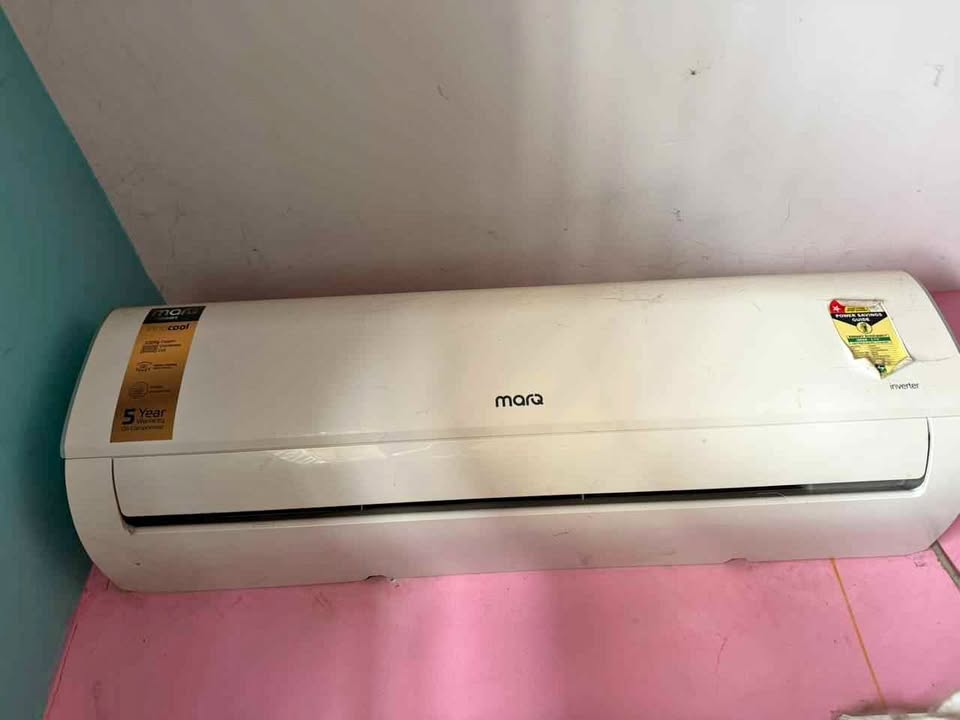
EE – Indoor Machine EE Fault
What Causes This Error: This fault happens when the indoor unit's EEPROM (memory chip) fails to read or store data correctly.
How to Fix The Error: Switch off the AC at the mains, wait a few minutes, then restart it. If the code returns, the indoor PCB likely needs professional inspection or replacement.
E0 – Outdoor EE Fault
What Causes This Error: This code appears when the outdoor unit's EEPROM chip develops a fault, similar to the EE code but on the outdoor board.
How to Fix The Error: Restart the AC after a short power cycle. If the error persists, the outdoor PCB needs to be checked by a technician.
E1 – Indoor Fan Fault
What Causes This Error: This occurs when the indoor fan motor fails to run properly or its feedback signal is not detected.
How to Fix The Error: Check if the fan blades are blocked or jammed. If the fan still doesn't spin after a restart, the motor needs technician inspection.
E2 – Indoor Fan Zero-Crossing Detection Abnormal
What Causes This Error: This fault is triggered when the indoor PCB cannot detect the zero-crossing signal used to control fan speed accurately.
How to Fix The Error: Restart the unit once. If the code repeats, the indoor PCB or fan motor connection likely needs professional repair.
E3 – Indoor Coil Fault and Sensor Fault
What Causes This Error: This happens when the indoor coil temperature sensor is damaged, disconnected, or giving abnormal readings.
How to Fix The Error: Check if the filter or coil is heavily dirty and clean it. If the error continues, the sensor may need replacement by a technician.
E4 – Indoor Ambient Temperature Sensor Fault
What Causes This Error: This code shows up when the room temperature sensor inside the indoor unit malfunctions or loses connection.
How to Fix The Error: Restart the AC first. If the fault stays, the sensor is likely faulty and needs replacement.
E6 – Indoor and Outdoor Unit Communication Fault
What Causes This Error: This fault occurs when the indoor and outdoor units fail to communicate, often due to wiring issues or a faulty PCB.
How to Fix The Error: Inspect the communication wire connecting both units for cuts or loose terminals. This wiring and PCB check should be done by a trained technician, since incorrect testing can damage the units.
E8 – Outdoor Communication Fault
What Causes This Error: This code points to a communication breakdown on the outdoor unit's side, often linked to damaged signal wiring or PCB issues.
How to Fix The Error: Have a technician inspect the communication cable and outdoor PCB, as incorrect wire testing can cause further damage.
F1 – Compressor Starting Abnormal (Phase Failure/Reverse)
What Causes This Error: This fault appears when the compressor fails to start due to phase failure or reversed wiring connections.
How to Fix The Error: Check the power supply and phase connections. Avoid repeated restart attempts and call a technician, since a weak capacitor or wiring fault could be the cause.
F2 – Compressor Out-of-Step Fault
What Causes This Error: This occurs when the compressor loses synchronization during operation, often due to voltage issues or an internal compressor problem.
How to Fix The Error: Turn off the AC and let it rest for about 10 minutes before restarting. If the fault returns, the compressor needs professional diagnosis.
F3 – IPM (Intelligent Power Module) Fault
What Causes This Error: This code signals a fault in the IPM module, which controls power supply to the compressor.
How to Fix The Error: This is an internal board-level fault. Switch off the unit and contact a technician, as IPM issues require specialized testing.
F4 – Compressor Shell Temperature Fault / Protection
What Causes This Error: This protection code triggers when the compressor shell overheats, often due to poor airflow or overload.
How to Fix The Error: Check that the outdoor unit has clear space around it for ventilation. Let the compressor cool down before restarting; if it trips again, get it inspected.
F5 – Discharge Temperature Sensor Fault
What Causes This Error: This fault happens when the sensor monitoring the compressor's discharge (exhaust) temperature malfunctions.
How to Fix The Error: Restart the unit once. If the error persists, the sensor likely needs replacement by a technician.
F6 – Suction Temperature Sensor Fault
What Causes This Error: This code appears when the suction line temperature sensor gives abnormal or no readings.
How to Fix The Error: Restart the AC first. If the fault does not clear, the sensor needs a technician check.
F7 – Outdoor Coil Temperature Sensor Fault
What Causes This Error: This occurs when the outdoor coil's temperature sensor is damaged or disconnected.
How to Fix The Error: Clean the outdoor coil if it's dusty or blocked. If the code continues, the sensor needs professional inspection.
F8 – Outdoor Ambient Temperature Sensor Fault
What Causes This Error: This fault is triggered when the sensor reading outdoor air temperature malfunctions.
How to Fix The Error: Restart the unit. If unresolved, the sensor is likely faulty and should be replaced by a technician.
F9 – Outdoor DC Fan Fault
What Causes This Error: This code shows up when the outdoor unit's DC fan motor fails to run or loses its feedback signal.
How to Fix The Error: Check if the outdoor fan blades are obstructed by dirt or debris. If the fan still doesn't spin properly, the motor needs technician replacement.
For your expired warranty MarQ AC & other appliance repair contact Urban Service Plaza, the best AC repair service in Kolkata & nearby areas.
Troubleshoot for Most Common MarQ AC Problems
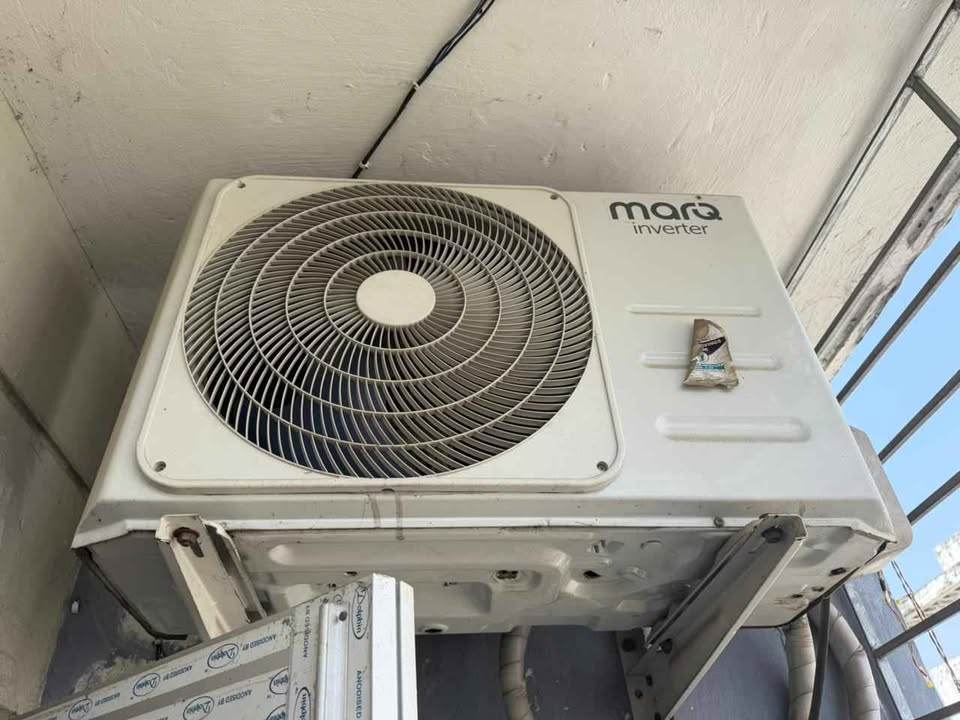
Not every AC issue is a display error. Some problems are simple operational quirks that don't need a technician. Here's a quick guide to the most common MarQ AC issues, their possible reasons, and what you should do.
Strange Odour From The AC
Possible Reasons: A musty smell usually comes from dirty filters, mold growth on the evaporator coil, or a blocked drain pan collecting stagnant water. A burning smell, on the other hand, points to overheating wires or electrical components.
What To Do: Clean or replace the air filter every 15–30 days and check the drain line for blockages. If the smell is like burning plastic or electrical wiring, switch off the AC immediately and call a technician.
AC Does Not Operate
Possible Reasons: This can happen due to a power failure, a damaged fan motor, a tripped circuit breaker, or loose plug connections. Sometimes the AC stops running on its own as a built-in safety protection.
What To Do: Check the power supply, plug, and circuit breaker first. If everything looks fine but the AC still won't start, the fan motor or protective device likely needs professional inspection.
Noise Of Running Water
Possible Reasons: This sound is usually caused by refrigerant flowing back through the circulation system. It's more noticeable when the room gets very cold in Cooling or Dry mode.
What To Do: This is typically normal AC operation and doesn't need any fix. If the sound is unusually loud or continuous, get the unit checked to rule out drainage issues.
Fine Mist Comes From The Air Outlet
Possible Reasons: A fine mist appears when warm room air meets the cold air from the AC, causing condensation at the outlet. This is common when the room is very cold or humidity is high.
What To Do: No action is needed here. This is a normal effect of temperature difference and not a fault.
Strange Cracking Or Popping Noise
Possible Reasons: This noise comes from the expansion and contraction of the front panel and plastic parts as temperature changes during operation.
What To Do: This is a normal sound and doesn't indicate a problem. If the cracking is loud, frequent, or paired with rattling, check for loose screws or panels.
Insufficient Cooling Or Heating (Weak Airflow)
Possible Reasons: Weak airflow is often caused by a dirty air filter, blocked intakes or outlets, low fan speed setting, or low refrigerant level. Other heat sources in the room can also make cooling feel weaker.
What To Do: Clean the air filter and clear any obstructions around the indoor and outdoor units. If airflow stays weak after cleaning, the AC may be low on refrigerant and needs a technician visit.
AC Does Not Respond To The Remote Control
Possible Reasons: This is often due to weak or dead remote batteries, dust on the signal sensor, or an obstruction between the remote and the indoor unit's receiver.
What To Do: Replace the batteries, clean the sensor with a soft dry cloth, and point the remote directly at the indoor unit within range. If the AC still doesn't respond, reset the unit by turning off the main power for a few minutes.
When to Call MarQ Service Centre for Technician Visit?
MarQ AC error codes help you spot problems early, before they get worse. Start with simple fixes like a power reset, filter cleaning, or airflow checks. Avoid repeated restarts if compressor, PCB, or voltage-related codes appear. If the same error returns, call a professional technician for proper diagnosis.